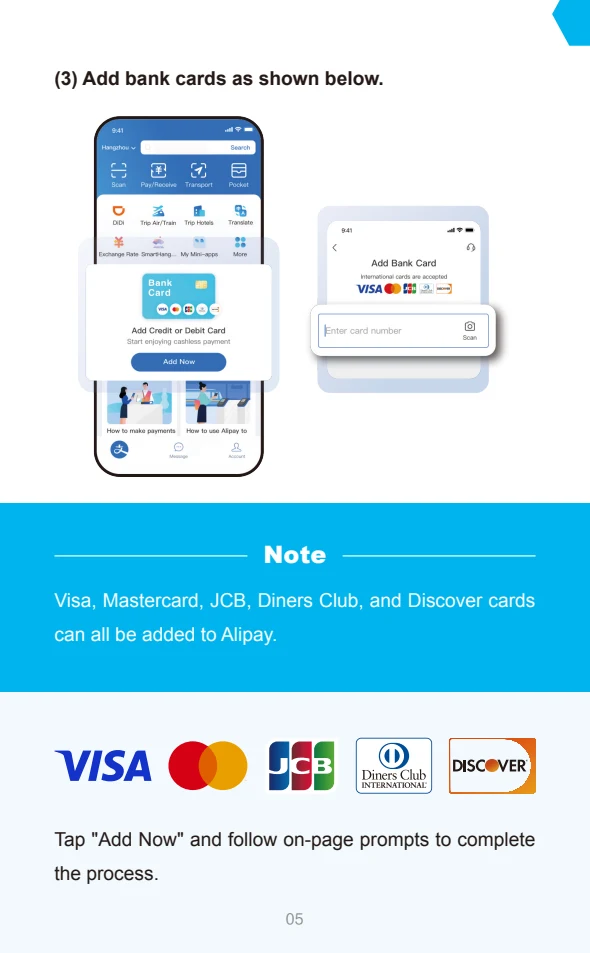
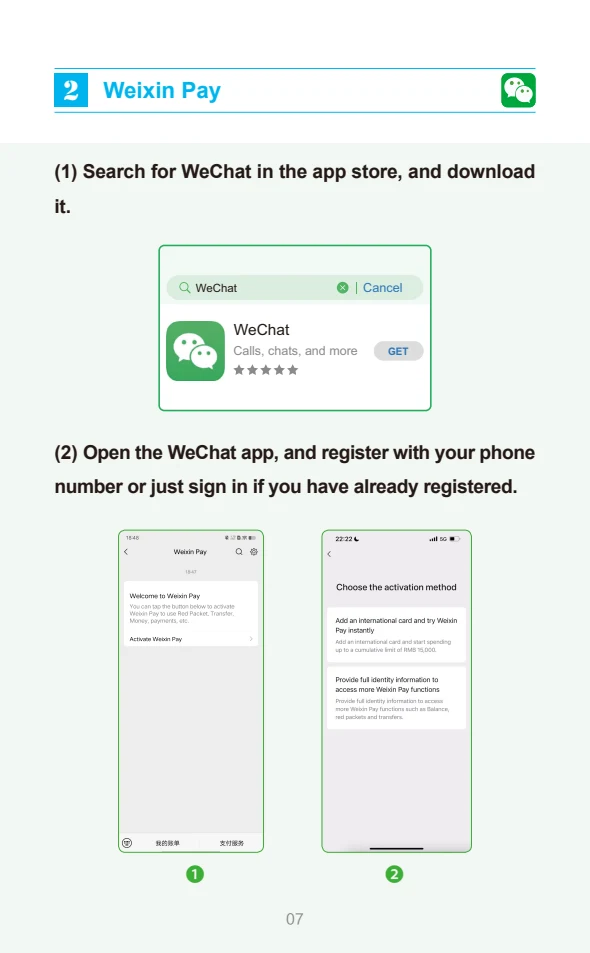
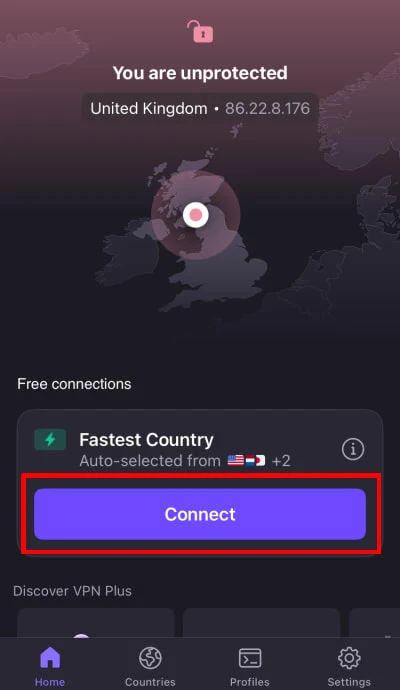
Start at the official source.
Official website / downloadsNo account details are entered or collected on this website. Complete registration, identity checks and payments only in the official app or service.
Use the official app or English website
Start at 12306.cn, or follow the official app-download links on MTR’s 12306 information page. Choose the English service if available. Avoid confusing a ticket reseller with the railway’s own platform.
Register using passport details
Choose the passport document type and enter your details exactly as shown on your document. Complete the contact verification requested. The English platform supports foreign-passport registration; follow its email activation instructions.
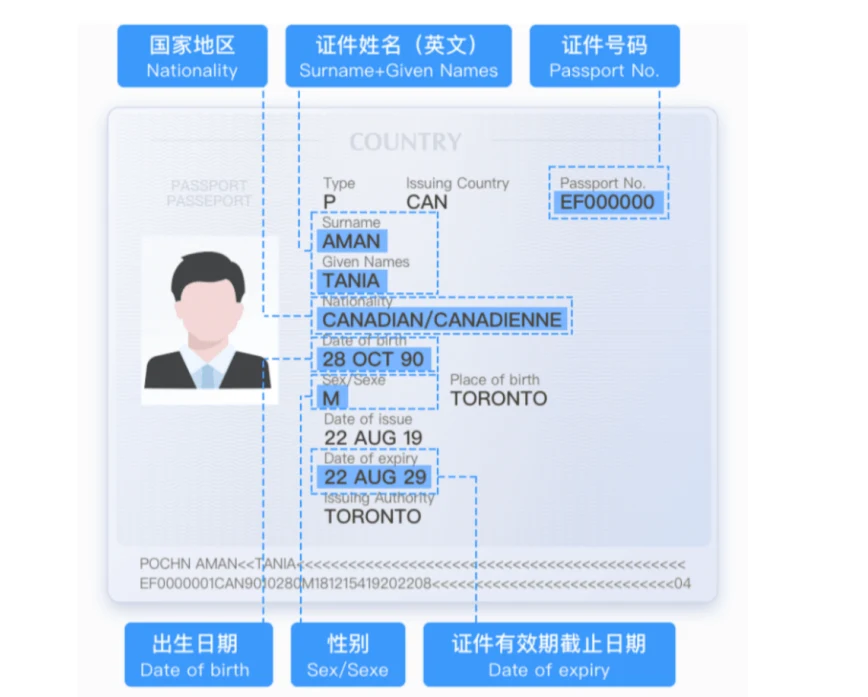
Complete identity verification
Check that the account and passenger identity are accepted before booking. If verification fails, check the details; official guidance also allows in-person verification with the original passport at a station.
Search, select and pay
Enter departure, destination and travel date. Check the exact station names, train, time and class. Add the correct passenger, review the total and complete payment within the time shown. Confirm the paid booking in Orders.
Bring the same passport
Use the original identity document associated with your booking. Leave time for security and identity checks; follow the station’s boarding notices and ask staff if your passport cannot be read at an automatic gate.
Follow the official illustrated walkthrough.
Use the links below for the current device-specific screens. We have not added an unverified third-party video.
Sources & current instructions
- Beijing government · passport registration illustrations
- MTR · English-platform verification FAQ
- China Railway · ticketing and station FAQ
- MTR · official app download links
Illustrations are dated references, not live app screens. Recheck the official instructions before travel. No affiliation or endorsement is implied.